The United States Postal Service moves more parcels than any other carrier in the country, so if you shop online in the US, you will see a USPS tracking number sooner or later. This guide explains how those numbers are built, what the scan statuses actually mean, how long each service usually takes, and what to do when tracking stops updating.
What a USPS tracking number looks like
Most USPS tracking numbers use a format called IMpb (Intelligent Mail package barcode). It is a long string of digits, usually 20 to 22 numbers, and it almost always begins with 92, 93, or 94. You will sometimes see it printed with spaces in groups of four, but the spaces are just for readability. Enter the digits with or without spaces and tracking will still work.
You may also run into other formats:
- Priority Mail Express often uses a 13-character code that starts with two letters (commonly EA through EZ) and ends in US, such as EA123456789US. This is the international S10 standard.
- Certified Mail, Signature Confirmation, and Collect on Delivery use their own 20- to 22-digit numbers that also begin with 92 or 94.
- Inbound international mail handed to USPS by a foreign post uses a country-coded S10 label, for example LZ...CN for an item mailed from China.
If you are not sure which carrier a number belongs to, paste it into the PackageTrackNow search box and it will detect the format for you. You can also go straight to the USPS tracking page.
Where to find your USPS tracking number
- Retailer confirmation email — labeled "tracking number" or "USPS tracking."
- Your mailing receipt if you shipped the item yourself; the number sits under the barcode.
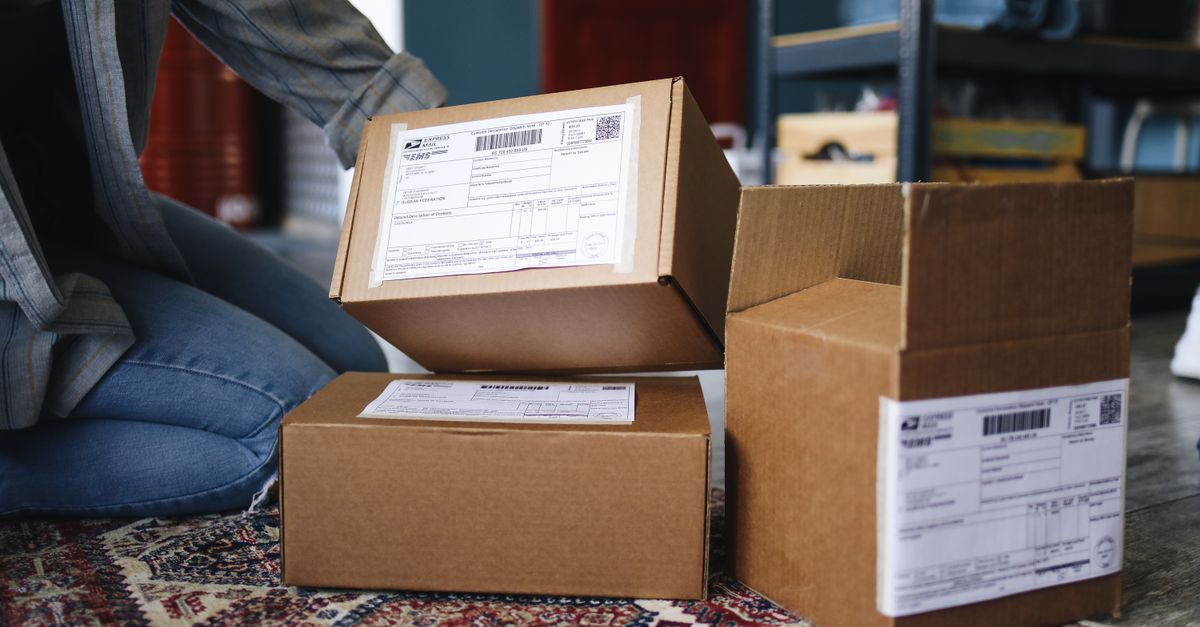
- The shipping label itself, printed beneath the large barcode.
- Informed Delivery, a free USPS account feature that emails you grayscale scans of incoming mail and a list of expected packages.
USPS services and how fast they move
Delivery speed depends on the service the sender paid for. Typical windows, which are estimates rather than guarantees, look like this:
- Priority Mail Express — overnight to two days, and the only USPS ground-network service with a money-back delivery guarantee.
- Priority Mail — one to three business days.
- Ground Advantage — two to five business days. This replaced the old First-Class Package and Retail Ground services and now covers most lightweight parcels.
- Media Mail — two to eight business days, reserved for books, discs, and similar media.
- First-Class Mail — letters and large envelopes, usually one to five business days.
Weekends matter. USPS delivers Priority Mail and many packages on Saturdays, and it delivers Amazon volume on Sundays in a lot of areas, so a scan on Saturday morning is normal.
What USPS tracking statuses mean
USPS statuses are written plainly, but a few cause confusion:
- Pre-Shipment / Shipping Label Created, USPS Awaiting Item — the sender printed a label but USPS has not physically scanned the package yet. This is not a delay on the postal side; the item is still with the sender or in a bin waiting for pickup.
- Accepted / USPS in possession of item — the first real scan. The clock effectively starts here.
- In Transit to Next Facility — moving between hubs. You may see this for a day or two with no new location, which is normal.
- Arrived at / Departed USPS Regional Facility — passing through a sorting hub. Big-city hubs like the ones in Chicago, Los Angeles, and Jersey City are common bottlenecks.
- Out for Delivery — on the truck for today.
- Delivered, In/At Mailbox or Delivered, Left with Individual — the final scan, often with a time stamp.
- Available for Pickup — waiting at your local Post Office, usually after a failed delivery or for a signature item.
Alerts and exceptions
Yellow or red alert statuses include Delivery Exception, Redelivery Scheduled, and Return to Sender. An exception can mean weather, an incorrect address, or that no one was available for a required signature. If you see Return to Sender, contact the seller quickly, because once it heads back the package is hard to redirect.
When tracking stalls or says nothing updated
USPS packages sometimes go quiet for a day or more between scans. That does not mean it is lost. Packages are not scanned at every step, only at key handoffs, so a two- or three-day gap in transit is common, especially on Ground Advantage and Media Mail.
Try these steps before assuming the worst:
- Give it time. Wait a full business day past the estimated delivery date. Many "stuck" packages simply arrive with a delayed final scan.
- Check the origin. If a package sat at a Pre-Shipment status for days, the holdup is with the sender, not USPS. Ask the retailer to confirm it actually shipped.
- Look for a facility loop. Repeated "In Transit, Arriving Late" or bouncing between the same two facilities can signal a misroute. This usually resolves on its own within a few days.
- File a help request. USPS lets you submit a Missing Mail search after seven days from the mailing date. Have the tracking number and a description ready.
- Contact the sender. The shipper, not the recipient, is the party the carrier will work with on claims and insurance.
A "Delivered" scan when nothing is at your door is worth acting on the same day. Check with household members, look at side doors and porches, and ask neighbors. If it truly did not arrive, notify the seller within a day or two; some carriers scan a stop or two early and the package shows up the next day.
Tracking on PackageTrackNow
PackageTrackNow is an independent aggregator, not the Postal Service, so you get one page that pulls the same public scan events whether your item is domestic or arriving from overseas. That is handy when a package changes hands, such as an international shipment that a foreign post transfers to USPS for the final leg. You can also browse other carriers on the full courier list if you have a mix of shipments, or read our companion UPS tracking guide and FedEx tracking guide.
The takeaway
Read the first two characters of the number to confirm it is USPS, note which service was used so your expectations match the real delivery window, and treat quiet stretches in transit as normal rather than lost. If a package sits at Pre-Shipment, chase the sender; if it stays stuck after the delivery date, wait one business day, then open a Missing Mail search. That simple order of operations resolves the large majority of USPS tracking worries.