Amazon looks like a single delivery service, but behind the scenes your order might travel with Amazon's own drivers, the US Postal Service, UPS, or FedEx, and that choice changes what your tracking looks like. Third-party sellers add another twist. This guide explains how to follow any Amazon package to your door.
Who actually delivers your Amazon order
Amazon uses several carriers, and the label shows which one:
- Amazon Logistics (AMZL) — Amazon's own delivery network, marked as "Amazon" or a tracking ID that starts with TBA (for example TBA123456789000). These are the drivers in Amazon-branded vans and the Flex contractors in personal cars.
- USPS — a standard 20- to 22-digit tracking number beginning with 92, 93, or 94.
- UPS — a 1Z tracking number.
- FedEx — a 12- or 15-digit numeric number, or a longer Ground Economy number.
The important thing to know: a TBA number only works inside Amazon's own tracking. It will not resolve on a general carrier lookup because Amazon Logistics does not publish those scans to outside systems. For USPS, UPS, and FedEx numbers, you can track them anywhere, including on PackageTrackNow.
Tracking through your Amazon account
The most complete view is always inside Amazon itself:
- Go to Returns & Orders.
- Find the order and select Track package.
- Amazon shows a live map for many Amazon Logistics deliveries, a "stops away" counter when the driver is close, and the carrier and tracking number for third-party carriers.
If Amazon lists a USPS, UPS, or FedEx number, you can copy it and follow the package on that carrier's own page too, which is handy when the Amazon status feels vague. Pasting it into a tracker will detect the carrier automatically.
What the common Amazon statuses mean
- Ordered / Shipping soon — the order is confirmed but has not left the warehouse.
- Shipped — it is in a carrier's hands and moving.
- Out for delivery — on the vehicle today; for Amazon Logistics you often get a live map.
- Arriving today by [time] — Amazon's delivery window estimate, updated through the day.
- Delivered — often paired with a Photo on Delivery showing where the driver left the package.
Third-party sellers: what changes
A large share of items on Amazon are sold by third-party sellers, and how they ship changes your tracking:
- Fulfilled by Amazon (FBA) — the seller stores inventory in Amazon warehouses, so Amazon picks, packs, and ships it. Tracking looks identical to a first-party Amazon order, including Amazon Logistics and Photo on Delivery.
- Fulfilled by Merchant (FBM) / seller-fulfilled — the seller ships it themselves using their own carrier account. You will usually get a USPS, UPS, or FedEx number, and occasionally a regional or international carrier for cross-border sellers.
Seller-fulfilled orders are where tracking gets thin. Some smaller sellers upload a tracking number late, use a slower economy service, or ship from overseas. If your item is coming from an international seller, the number might be an S10 code (two letters, nine digits, a country suffix) that hands off to USPS in the US, similar to the pattern in our China Post and ePacket guide.
How to check who you are buying from
On the product page, look under the buy box for "Ships from" and "Sold by." If both say Amazon, expect the smooth first-party experience. If "Sold by" names a third party and "Ships from" names that same seller, you are getting a seller-fulfilled shipment, so set your expectations accordingly.
When an Amazon package is late or missing
Amazon's guarantees are generous, which works in your favor:
- Check the promised delivery date, not just the last scan. Amazon commits to a date and usually meets it even if tracking looks quiet.
- Wait out same-day "delivered" surprises. Amazon sometimes marks a package delivered a few hours before it actually arrives, especially with Amazon Logistics. Many packages show up by end of day.
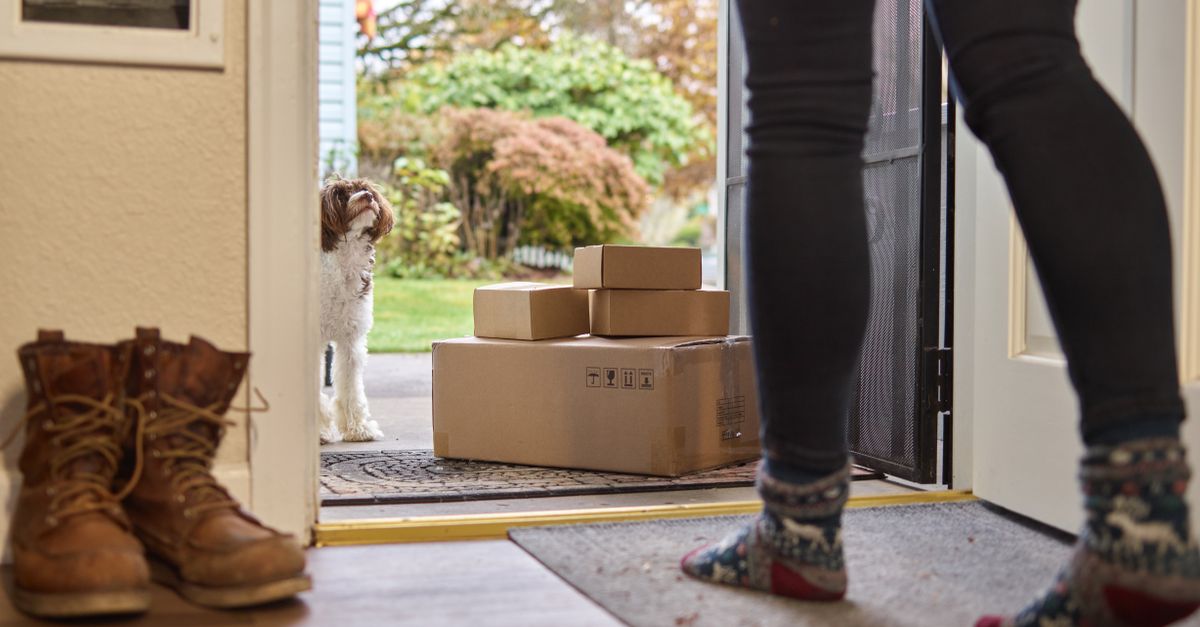
- Look at the delivery photo. Photo on Delivery often shows the exact spot the package was left; check that location and with neighbors.
- Use "Track package" then the help flow. If it is genuinely missing, Amazon's order page offers a problem-with-order or refund option, and the A-to-z Guarantee covers eligible third-party orders that do not arrive.
- Give it 48 hours past the delivery date before escalating, then contact Amazon customer service or the seller directly for FBM orders.
Because Amazon's own guarantee is strong, you rarely need to chase the carrier yourself for a first-party or FBA order. For seller-fulfilled orders, the seller is your first point of contact, and Amazon's guarantee is the backstop.
Tracking Amazon carriers on PackageTrackNow
PackageTrackNow is an independent aggregator, not Amazon, so it cannot read Amazon Logistics TBA scans, which Amazon keeps inside its own app. What it does well is pick up the moment your order is handed to USPS, UPS, or FedEx, so you can follow the public carrier scans on one page. That is especially handy for seller-fulfilled and international orders. Browse the full courier list if a seller uses a carrier you do not recognize.
The takeaway
Track first-party and FBA orders inside Amazon, where the live map and delivery photo live, and remember a TBA number only works there. When the order ships via USPS, UPS, or FedEx, copy that number and follow it on the carrier's own scans for extra detail. Check "Sold by" and "Ships from" before you buy so you know whether you are getting Amazon's polished tracking or a seller's, and lean on Amazon's guarantee if something genuinely goes missing.